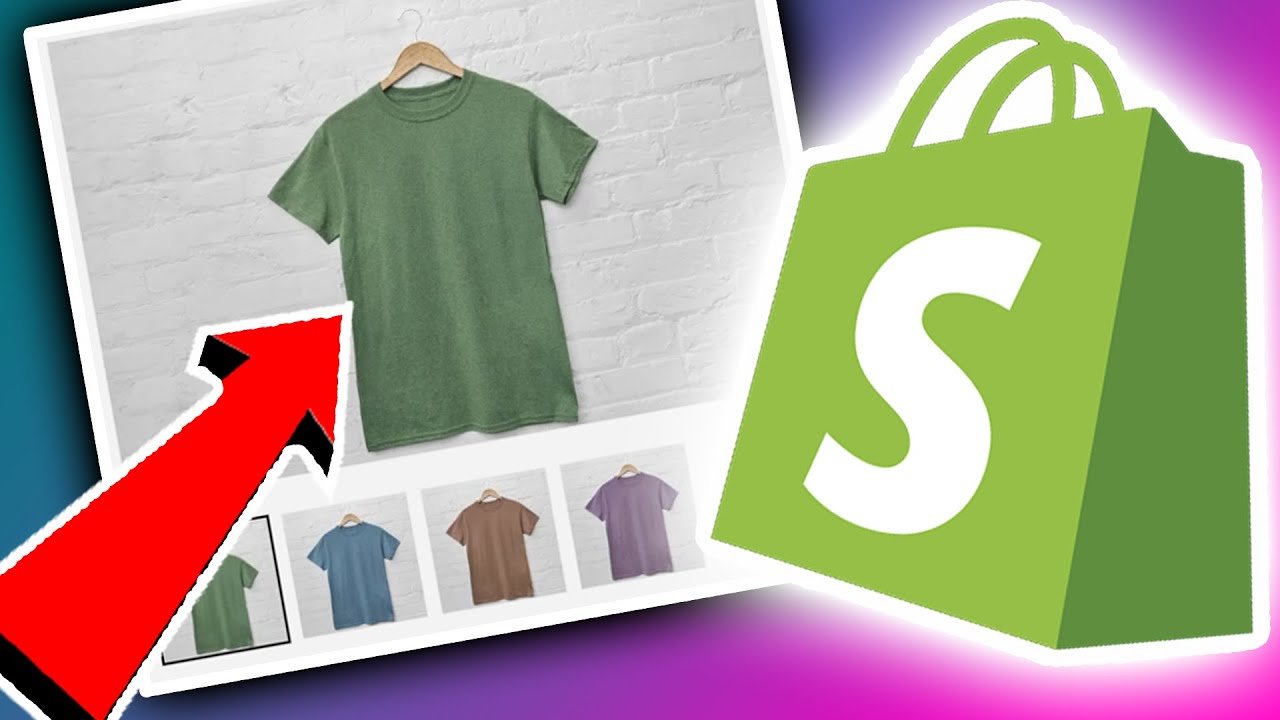
A customer clicks on a product, chooses a colour, and starts looking through the gallery. But if the gallery contains photos of every available colour, it may not be immediately clear which images belong to the option they selected. This can become frustrating when a product has several colours, styles, finishes, or materials. Customers may have to switch between images and variants just to understand what their selected option actually looks like.
A simple way to avoid this is to connect the right images to the right variants. When customers change their selection, they can see images that match the product they are considering.


Give Each Variant the Right Images
Instead of placing every product image into one gallery, merchants can assign specific images to individual variants.
For example, a clothing store selling a dress in black, beige, and brown can show black images when the customer selects Black and beige images when they select Beige.
This approach can work well for:
- Clothing with different colours or styles
- Shoes with multiple colour options
- Furniture with different finishes
- Bags available in different designs
- Products with different materials or variations
It makes it easier for customers to understand what they are actually choosing before they add the product to their cart.
How Task19 Variant Image Works
Task19 Variant Image Manager keeps the setup straightforward.
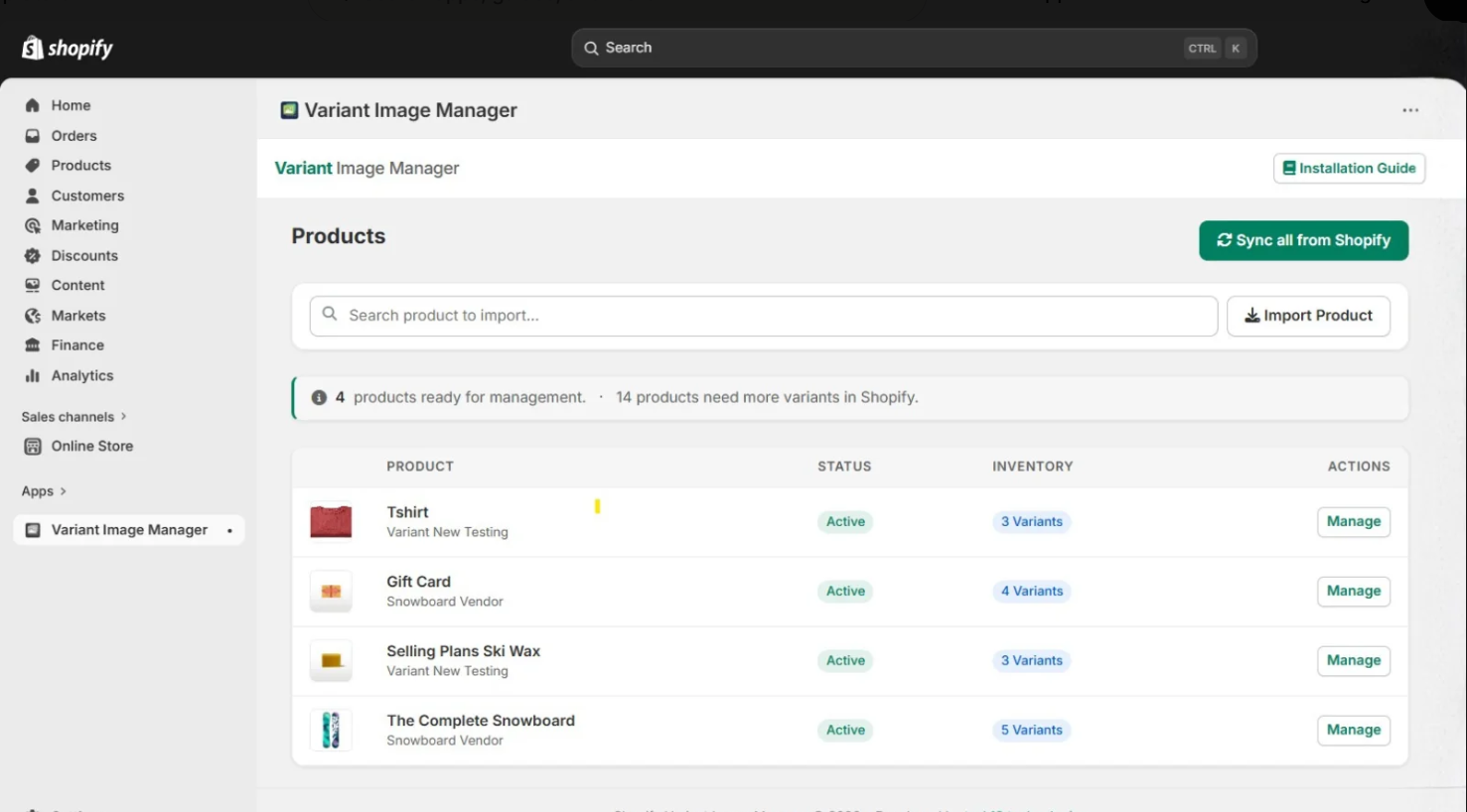
First, connect your Shopify store. The app automatically syncs your products and variants, so you don't have to add everything manually.
Next, use the drag-and-drop interface to organize your product images and assign them to the relevant variants. Images of the black version, for example, can be connected to the Black variant, while images of the beige version can be assigned to Beige.
Once the images are organized, enable the App Block from the Shopify theme editor. The variant gallery can then appear on the product page and update as customers select different options.
Connect your store → Assign images → Enable the App Block → Give customers a clearer variant experience.
Features That Make Variant Image Management Easier
Advanced Analytics
See which variants are getting more attention and use those insights when planning your product image strategy.
For example, if one colour receives more attention than others, you can use additional product or lifestyle images to give customers a better view of that option.
Auto-Sync With Shopify Webhooks
Product and variant information can change as your catalog grows. Shopify webhooks automatically sync changes, helping keep your data current without repeated manual updates.
Multi-Store Support
Managing product images across several Shopify stores can take extra time. Task19 Variant Image supports multiple Shopify stores through secure OAuth, making it useful for agencies and businesses managing multiple brands.
GDPR & Security
The app includes encrypted data, automatic data deletion, and GDPR-focused practices to help protect store information.
Optimized Performance
The gallery is lazy-loaded and optimized to avoid unnecessary storefront bloat, allowing merchants to add variant-specific images without adding unnecessary resources to the page.
Theme Independent
The app works with Shopify themes through App Blocks, so merchants can add the gallery without rebuilding their entire product page. Styles can also be customized to fit the existing store design.
Why Variant-Specific Images Matter
A variant name alone does not always tell customers enough.
A colour such as “Olive Green” or a finish such as “Walnut” can look different depending on the product. Showing the relevant images alongside the selected option gives customers a much clearer visual reference.
Instead of searching through a mixed gallery, they can focus on the images that match their current selection.
That small change can make the product page easier to understand and make the selection process feel more straightforward.
Make Variant Selection Easier for Customers
A product page does not necessarily need more images. It needs more relevant images.
By connecting images to specific variants, keeping product information synced, and showing the appropriate gallery as customers make their selections, Shopify merchants can create a cleaner and more useful product experience.
Give Customers a Clearer View of Every Variant
Want to make variant selection easier on your Shopify store? Try Task19 Variant Image Manager and organize your product images around the variants your customers actually choose.
Explore Task19 Variant Image Manager